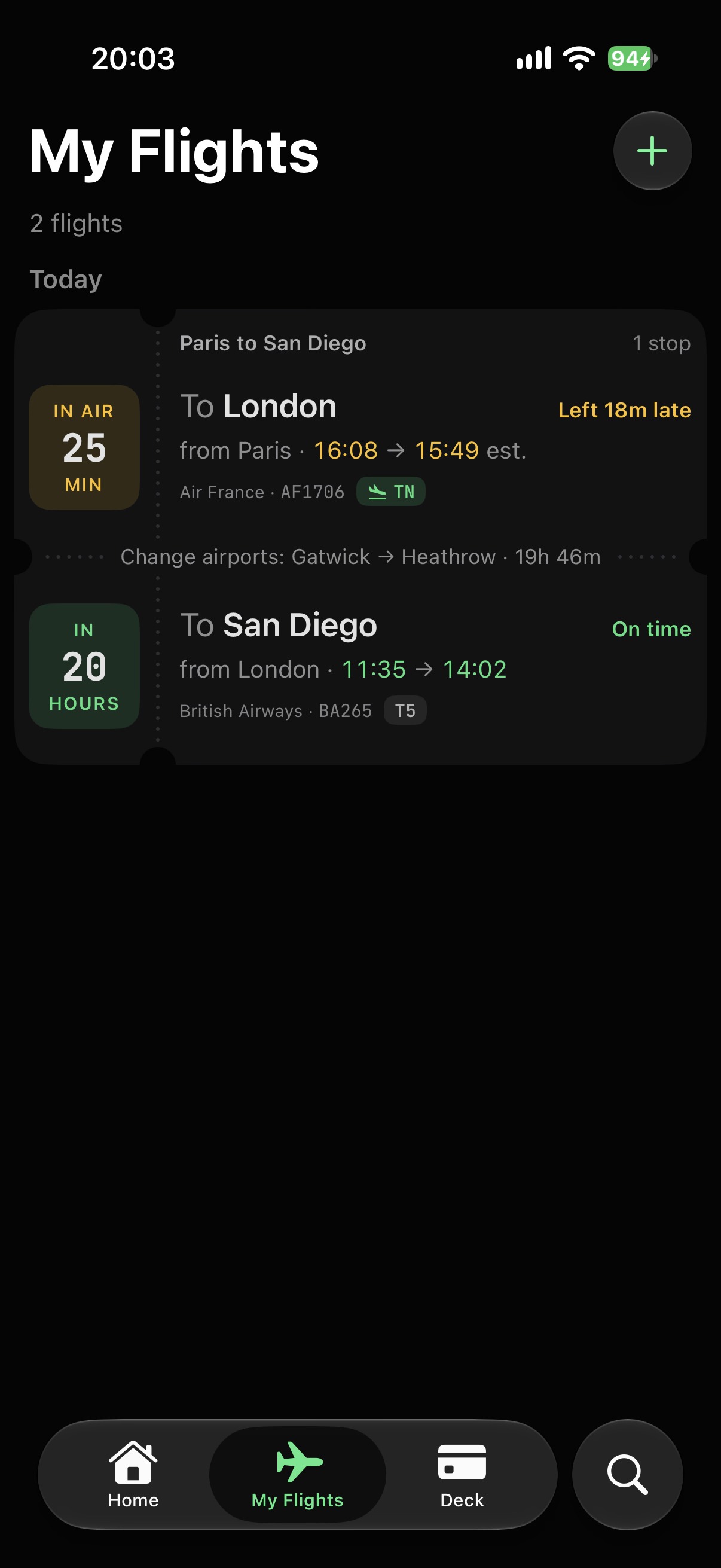
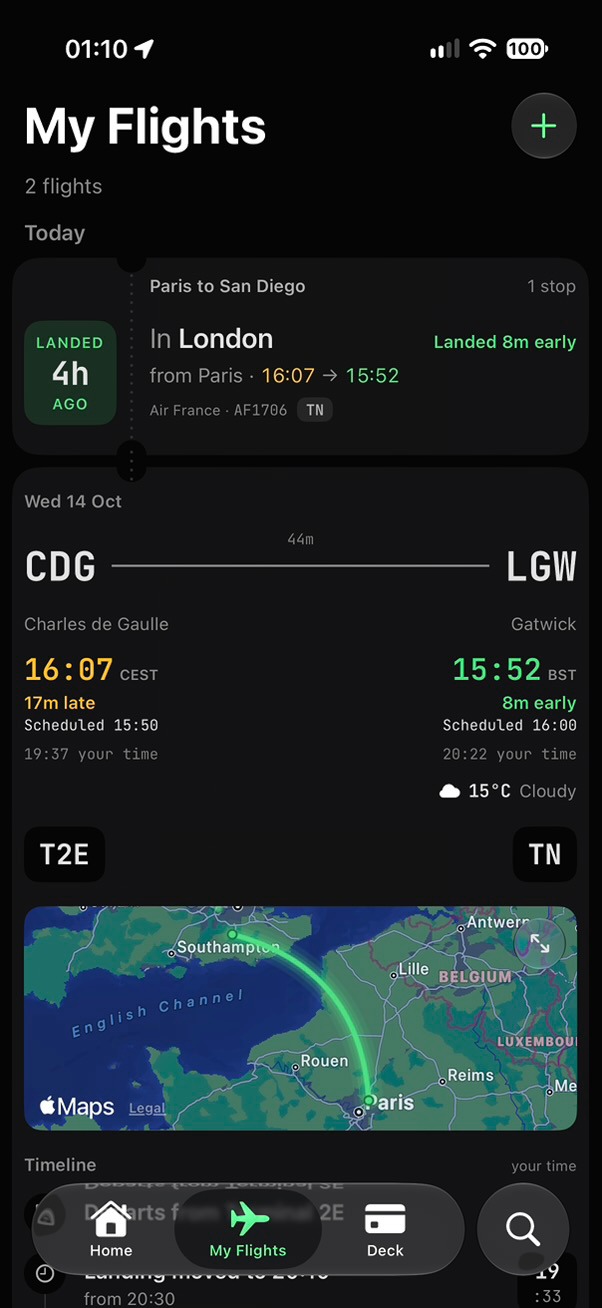
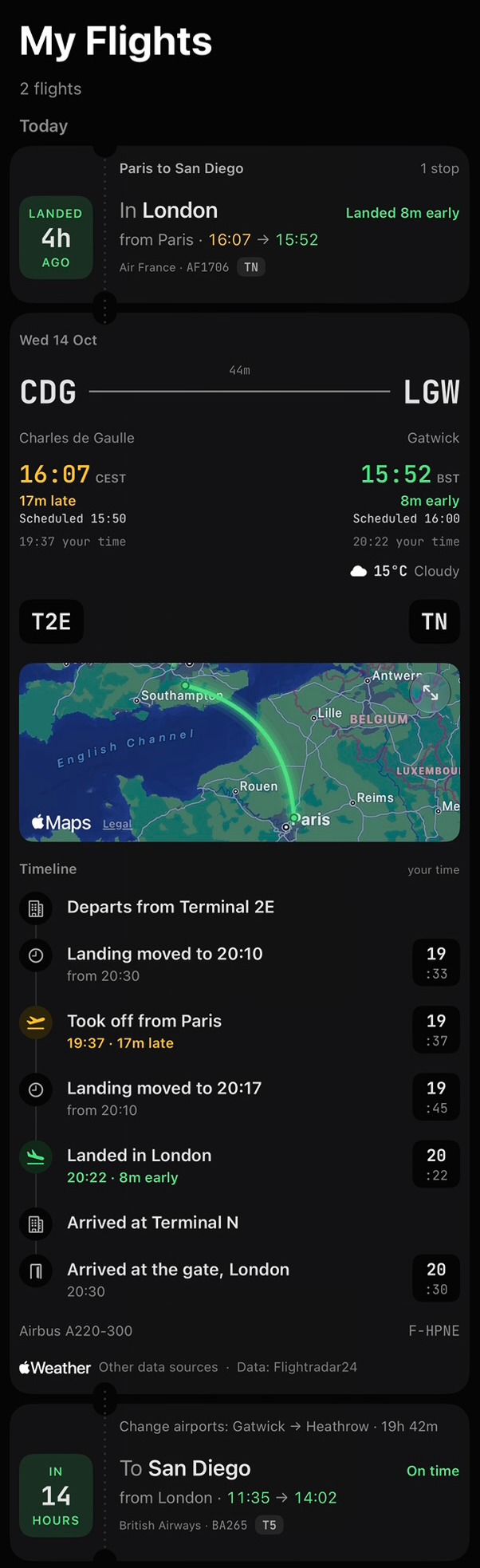
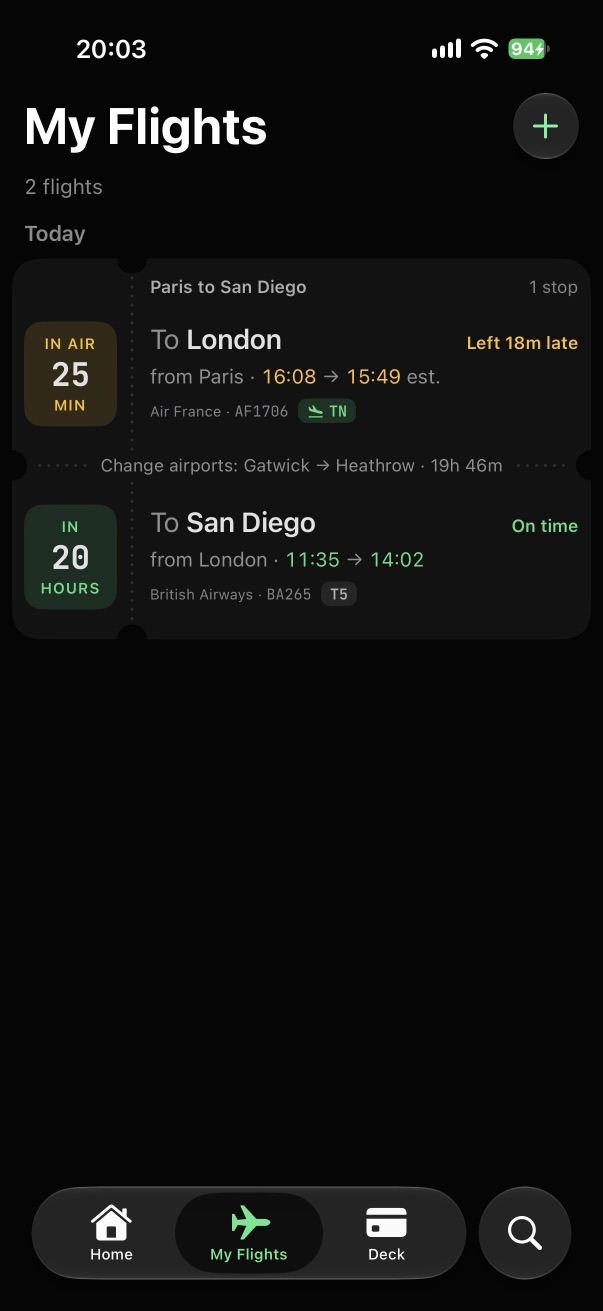
Gates, delays, takeoff and landing on the card, as they happen.
Connected.
Every leg joins into one trip, even when you change airports.
Import your flights.
Straight from your Calendar, all in one go.
Flights go wrong.Terminal’s already on it.
IN AIR50MIN
IN AIR50MIN
LANDED3mAGO
DIVERTING TO LYONDIVERTED TO LYON
To Paris
To Lyon
In Lyon
On time
In the air
Landed
from Madrid · 10:05 → 12:10
from Madrid · 10:05 → 12:10
from Madrid · 10:05 → 11:52
Iberia · IB3436
Iberia · IB3436 · was going to Paris
Landing in Lyon instead of Paris.
We're watching in case it flies on to Paris.
NEXT FLIGHT TO PARIS
14:10 → 15:15
Air France AF7643 · Lyon → Paris · 1h 05m
More flights and connections
IN2HOURS
To Paris
Scheduled
from Lyon · 14:10 → 15:15
Air France · AF7643NEW
New route · replaces IB3436
DirectConnections
Direct flights to Paris
From Lyon · leaving from now
Your airline may already have rebooked you. Check with them first.
TODAY
NEXT FLIGHT TO PARIS · FASTEST
14:10 → 15:15
Lyon → Paris
Direct · 1h 05m · Air France AF7643
16:40 → 17:45
Lyon → Paris
Direct · 1h 05m · Air France AF7645
19:15 → 20:20
London to Lisbon
1 stop · 1 cancelled
IN9HOURS
OCT16FRI
To Zurich
Scheduled
from London · 07:10 → 09:55
from London · 07:10 → 09:55
Swiss · LX345
CANCELLED
1h 50m in Zurich1h 50m in Zurich · connection broken
IN14HOURS
To Lisbon
Scheduled
from Zurich · 11:45 → 13:30
Swiss · LX2086
at risk
Diverted.
Where it came down, and the next flight on, right under the card.
Cancelled.
Stamped on the card, and the alert names your next flight.
Connection at risk.
When a late flight squeezes your change, Terminal tells you.
Flights go wrong.Terminal’s already on it.
IN AIR50MIN
IN AIR50MIN
LANDED3mAGO
DIVERTING TO LYONDIVERTED TO LYON
To Paris
To Lyon
In Lyon
On time
In the air
Landed
from Madrid · 10:05 → 12:10
from Madrid · 10:05 → 12:10
from Madrid · 10:05 → 11:52
Iberia · IB3436
Iberia · IB3436 · was going to Paris
Landing in Lyon instead of Paris.
We're watching in case it flies on to Paris.
NEXT FLIGHT TO PARIS
14:10 → 15:15
Air France AF7643 · Lyon → Paris · 1h 05m
More flights and connections
DirectConnections
Direct flights to Paris
From Lyon · leaving from now
Your airline may already have rebooked you. Check with them first.
TODAY
NEXT FLIGHT TO PARIS · FASTEST
14:10 → 15:15
Lyon → Paris
Direct · 1h 05m · Air France AF7643
Diverted.
Where it came down, and the next flight on, right under the card.
London to Lisbon
1 stop · 1 cancelled
IN9HOURS
OCT16FRI
To Zurich
Scheduled
from London · 07:10 → 09:55
from London · 07:10 → 09:55
Swiss · LX345
CANCELLED
1h 50m in Zurich1h 50m in Zurich · connection broken
IN14HOURS
To Lisbon
Scheduled
from Zurich · 11:45 → 13:30
Swiss · LX2086
at risk
Cancelled.
Stamped on the card, and the alert names your next flight.
Connection at risk.
When a late flight squeezes your change, Terminal tells you.
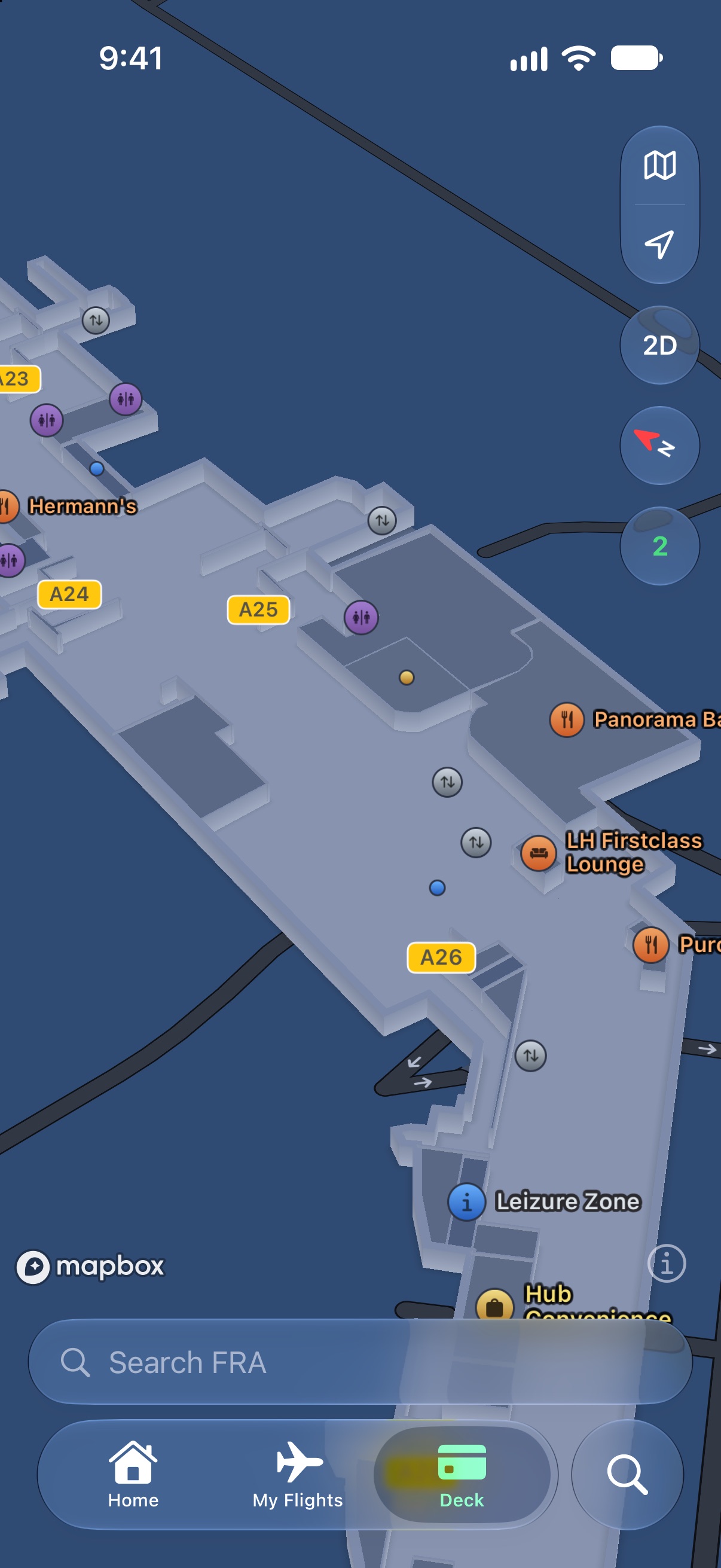
Walk straight to your gate.Terminal knows the way.
It already knows your gate.
From your flight. Gate changes? Your walk follows.
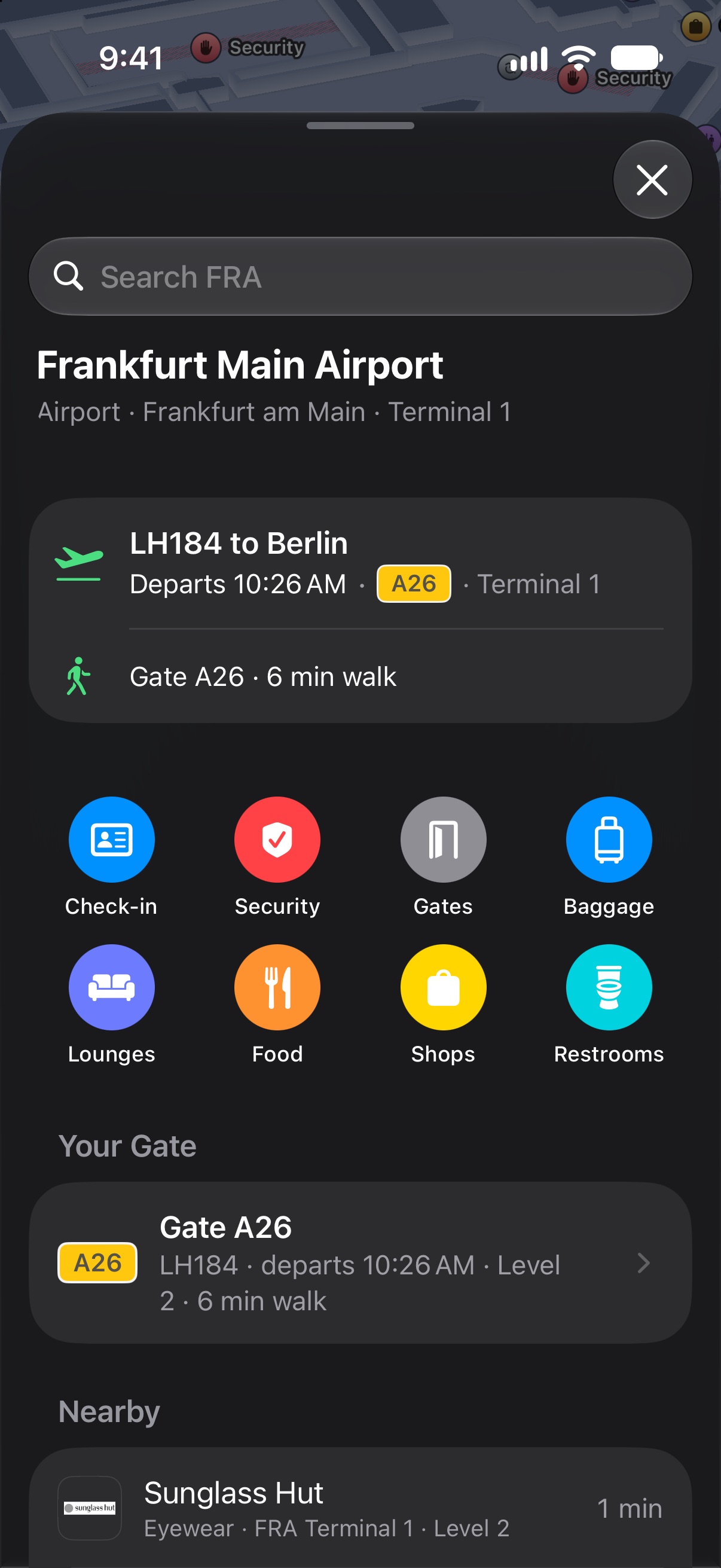
The walk, in minutes.
From where you are to your gate.
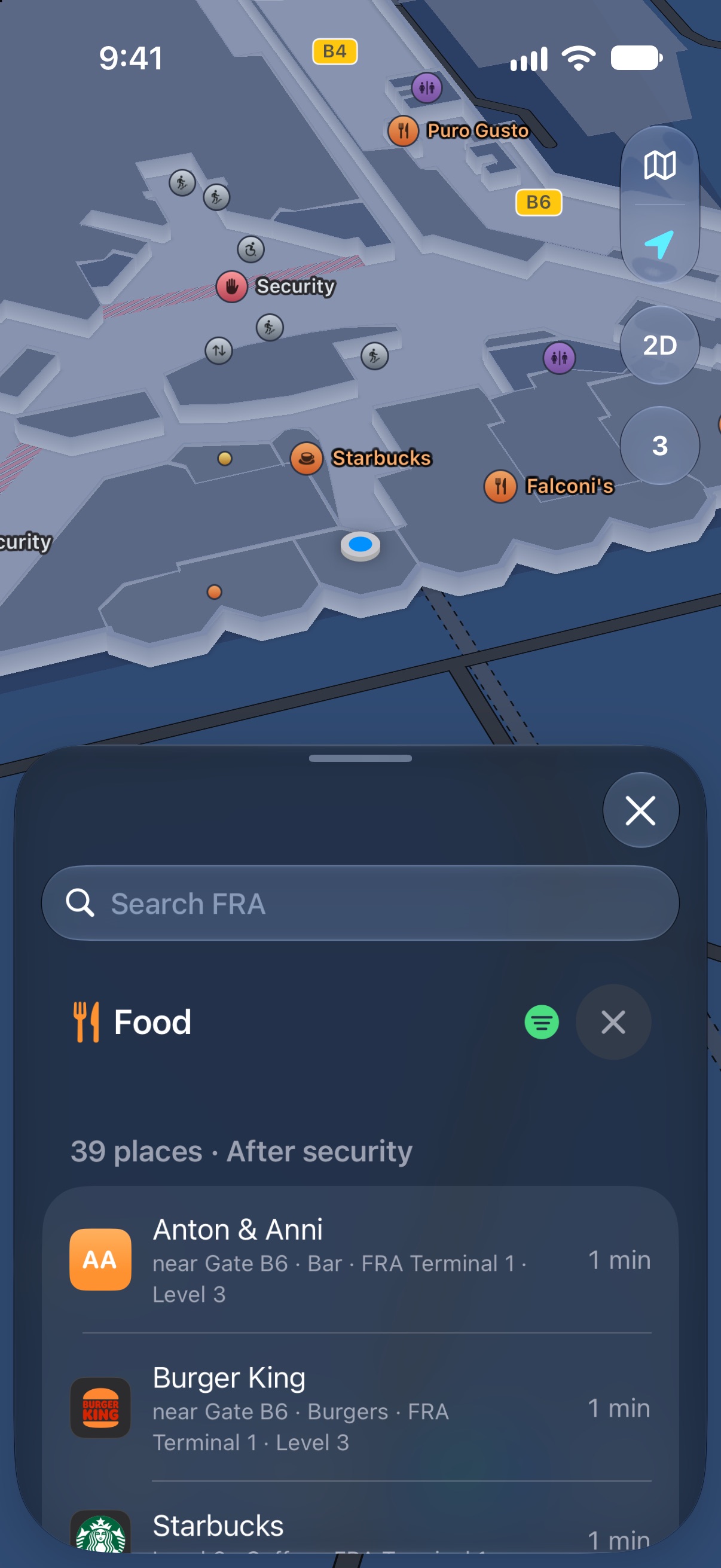
Food and shops, before or after security.
And whether it fits before your flight.
Every floor.
Escalators and lifts included.
Gate B20A26
Departs in 45 min
Gate A26 · 6 min walk
FloorLevel 12
From flights you mark as yours.
On a change the app says Gate changed from B20 to A26.
A walk already under way plans itself again.
Minutes and metres, from where you are to your gate.
Departs in 45 min stays at the top of the screen.
Food listed after and before security.
Tagged by the time you have before your flight.
Shops show their side where the map has it.
Escalators, lifts and stairs, floor by floor.
Step-free: lifts only when you need it.
Stockholm-Arlanda AirportARN
Kempegowda International Airport BengaluruBLR
Chhatrapati Shivaji Maharaj International AirportBOM
Indira Gandhi International AirportDEL
Newark Liberty International AirportEWR
Frankfurt Main AirportFRA
Hong Kong International AirportHKG
John F. Kennedy International AirportJFK
LaGuardia AirportLGA
London Heathrow AirportLHR
Walk straight to your gate.Terminal knows the way.
Gate B20A26
Departs in 45 min
Gate A26 · 6 min walk
FloorLevel 12
From your flight. Gate changes? Your walk follows.
From where you are to your gate.
And whether it fits before your flight.
Escalators and lifts included.
It already knows your gate.
From flights you mark as yours.
On a change the app says Gate changed from B20 to A26.
A walk already under way plans itself again.
The walk, in minutes.
Minutes and metres, from where you are to your gate.
Departs in 45 min stays at the top of the screen.
Food and shops, before or after security.
Food listed after and before security.
Tagged by the time you have before your flight.
Shops show their side where the map has it.
Every floor.
Escalators, lifts and stairs, floor by floor.
Step-free: lifts only when you need it.
Airports we support
Stockholm-Arlanda AirportARN
Kempegowda International Airport BengaluruBLR
Chhatrapati Shivaji Maharaj International AirportBOM
Indira Gandhi International AirportDEL
Newark Liberty International AirportEWR
Frankfurt Main AirportFRA
Hong Kong International AirportHKG
John F. Kennedy International AirportJFK
LaGuardia AirportLGA
London Heathrow AirportLHR
Type a slash.Say it your way.
Flights, airports or routes/watch/land/stopsparis to london/return/mine
/watchFlights you add go to your watchlist
/mineFlights you add go to My Flights
/landTimes mean when it lands
/stopsInclude connections, not just direct
/returnAdd the trip back on another date
Type / in Search to list them. A letter or two is enough (/r is /return), and they stack: paris to london /return /mine.
/watch Flights you add go to your watchlist. Also /wl, /wlist, /watchlist, /follow, /track, /spot.
/mine Flights you add go to My Flights. Also /my, /me, /myflights, /own, /fly, /pax, /trip, /mytrip.
/land Times mean when it lands. Also /lands, /landing, /arr, /arrive, /arrival, /arriving, /eta.
/stops Include connections, not just direct. Also /stop, /connect, /connection, /connections, /via, /layover.
/return Add the trip back on another date. Also /rt, /rtn, /back, /roundtrip.
Type a slash.Say it your way.
Flights, airports or routesparis to london/return/mine
/watchFlights you add go to your watchlist
/mineFlights you add go to My Flights
/landTimes mean when it lands
/stopsInclude connections, not just direct
/returnAdd the trip back on another date
Type / in Search to list them.
A letter or two is enough (/r is /return), and they stack.
Search like you talk.Terminal works it out.
Type a route.
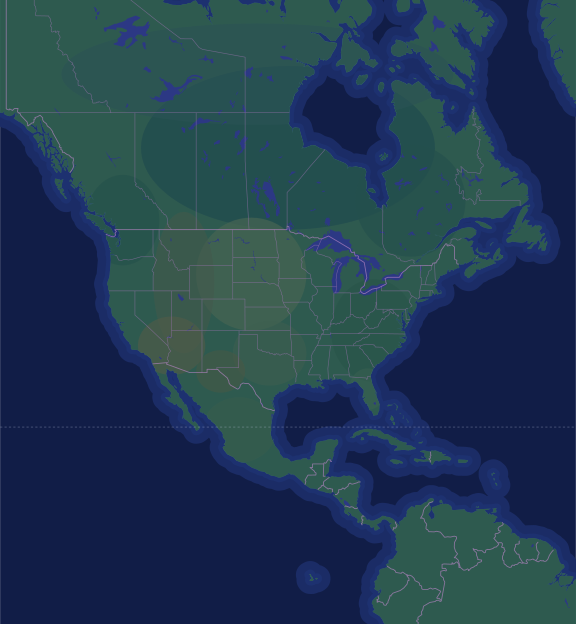
Today’s nonstops, fastest first, with the quickest on the map.
sfo to new york
Or just say it.
Two days and two times in one sentence, and Terminal searches both.
san franciscoSan Francisco: SFO, OAK, SJC
new yorkNew York: JFK, EWR, LGA
on the next sundaySun 25 Oct
at 9amLeaving around 09:00
or the next dayOr Mon 26 Oct
at 10pmLeaving around 22:00
Add a command.
Add /land, and “by 9pm” means landing by 9pm.
VancouverSeattleSan FranciscoLos AngelesLas VegasDenverDallasHoustonChicagoAtlantaTorontoMontréalNew YorkWashingtonMiamiMexico CityWAORCANVIDMTWYUTCOAZNMNDSDNEKSOKTXMNMOARLAWIILMIINOHKYTNMSALFLNCVAPANYONUNITED STATESCANADAMEXICONORTH AMERICAGulf of MexicoROCKY MOUNTAINSGREAT PLAINSTropic of Cancer